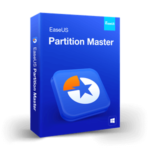
EaseUS Partition Master Professional – Advanced Disk Management Made Simple
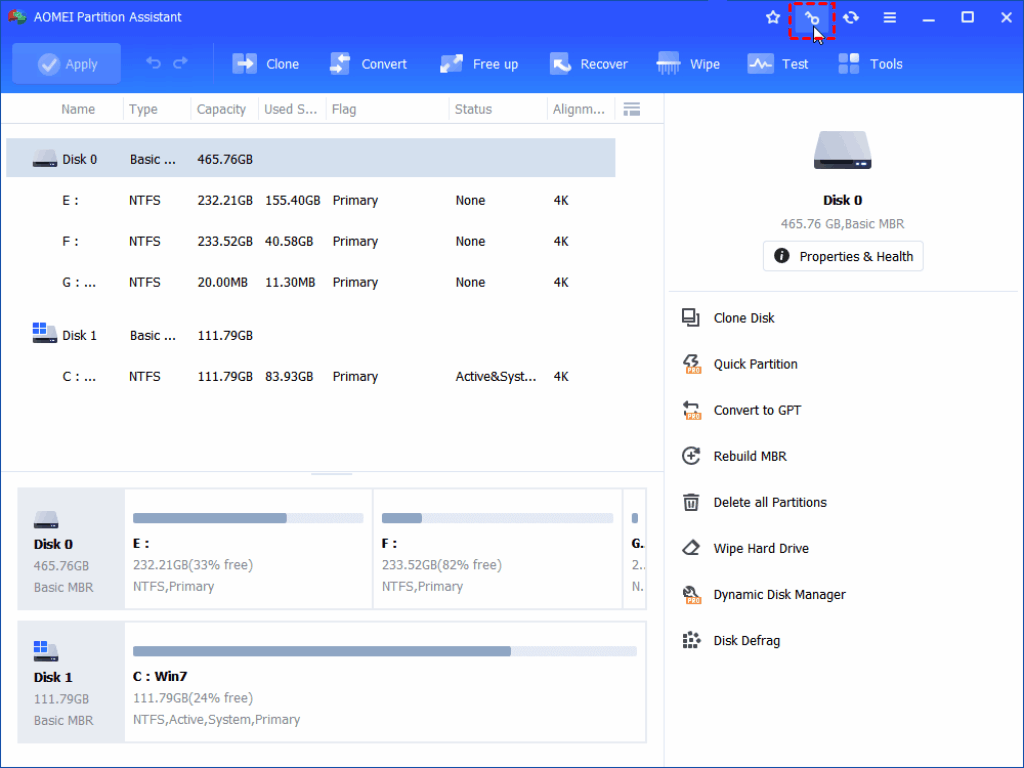
EaseUS Partition Master Professional transforms the way you manage your PC storage, offering an all-in-one solution that makes even the most complex disk tasks effortless. Whether you’re preparing your system for a smooth Windows 11 upgrade, optimizing disk performance, or reorganizing storage for better workflow, this powerhouse tool delivers everything you need. With support for converting MBR to GPT, resizing partitions, expanding your C drive, cloning disks, and migrating your OS to a new HDD or SSD, it provides both beginners and experts with a streamlined, intuitive experience.
Thanks to its intelligent AI Smart Space Adjustment feature, the program automatically analyzes your disk layout and provides one-click optimization, saving you hours of manual configuration. PC users familiar with EaseUS Partition Master or those exploring EaseUS Partition Master Free will appreciate how the Professional edition elevates disk management to an entirely new level.
EaseUS Partition Master Professional goes far beyond simple partitioning. It includes a complete suite of tools designed to solve real-world storage challenges—migrating your Windows OS to a new SSD, expanding partitions without rebooting, resolving low-space warnings, and preparing your system for Windows 11 without complicated manual steps. Its powerful recovery capabilities allow you to fix Windows boot failures, restore lost partitions, reset forgotten passwords, and recover data from unbootable hard drives. Combined with support for multiple file systems, dynamic disk management, and protection features like Partition Recall, this software remains one of the most reliable and versatile disk utilities available.
Key Features
• Flexible Partition Resizing & Expansion
Adjust, resize, merge, or extend partitions to make full use of available disk space.
Quickly solve low-disk-space problems, including expanding the C drive for Windows 11 readiness—no reboot required.
• Full Disk & System Cloning
Clone entire drives or system partitions to migrate Windows to a new SSD or larger HDD without reinstalling the OS.
Transfer data or create backups by cloning specific partitions.
• MBR-to-GPT Conversion for Windows 11
Easily convert an MBR system disk to GPT to meet Windows 11 installation requirements.
Safe, reliable process with automatic system optimization.
• One-Click AI Smart Space Adjustment
Analyze and optimize disk layout instantly using AI-powered recommendations.
Perfect for users who prefer automated, hassle-free optimization.
• OS Migration Made Simple
Move Windows 11 or earlier OS versions to a new SSD/HDD with a single click.
Install a new hard drive without losing your system configuration or files.
• Secure Disk Wiping & Data Protection
Erase data from old disks or partitions to protect sensitive information.
Wipe drives before disposal, resale, or repurposing.
• Bootable Media Creation
Create WinPE-based bootable CDs, DVDs, or USB drives to troubleshoot inaccessible or unbootable systems.
Fix Windows startup errors quickly and safely.
• Password Reset & Boot Repair Tools
Reset forgotten Windows passwords directly from recovery media.
Fix issues like boot loops, BSOD errors, stuck loading screens, random restarts, and more.
• Advanced File System Support
Format drives to NTFS, FAT32, and other file systems.
Convert NTFS to FAT32 without formatting—ideal for older devices, TVs, cameras, and printers.
• Disk Health & Error Checking
Scan for and repair file system errors or bad sectors.
Restore normal drive operation and prevent future failures.
• Partition & File Recovery
Recover deleted partitions, missing volumes, and files lost due to updates, corruption, or viruses.
Restore damaged partition tables with built-in repair tools.
• Dynamic Disk Management
Convert dynamic disks to basic without losing data.
Create, delete, format, copy, or resize dynamic volumes with ease.
• Partition Recall Protection
Automatically revert partition changes if errors occur during operation.
Provides a safety net for risky operations like shrinking or moving partitions.
• 4K SSD Alignment
Properly align SSD partitions to improve read/write performance and extend drive lifespan.
 Giveaway Software